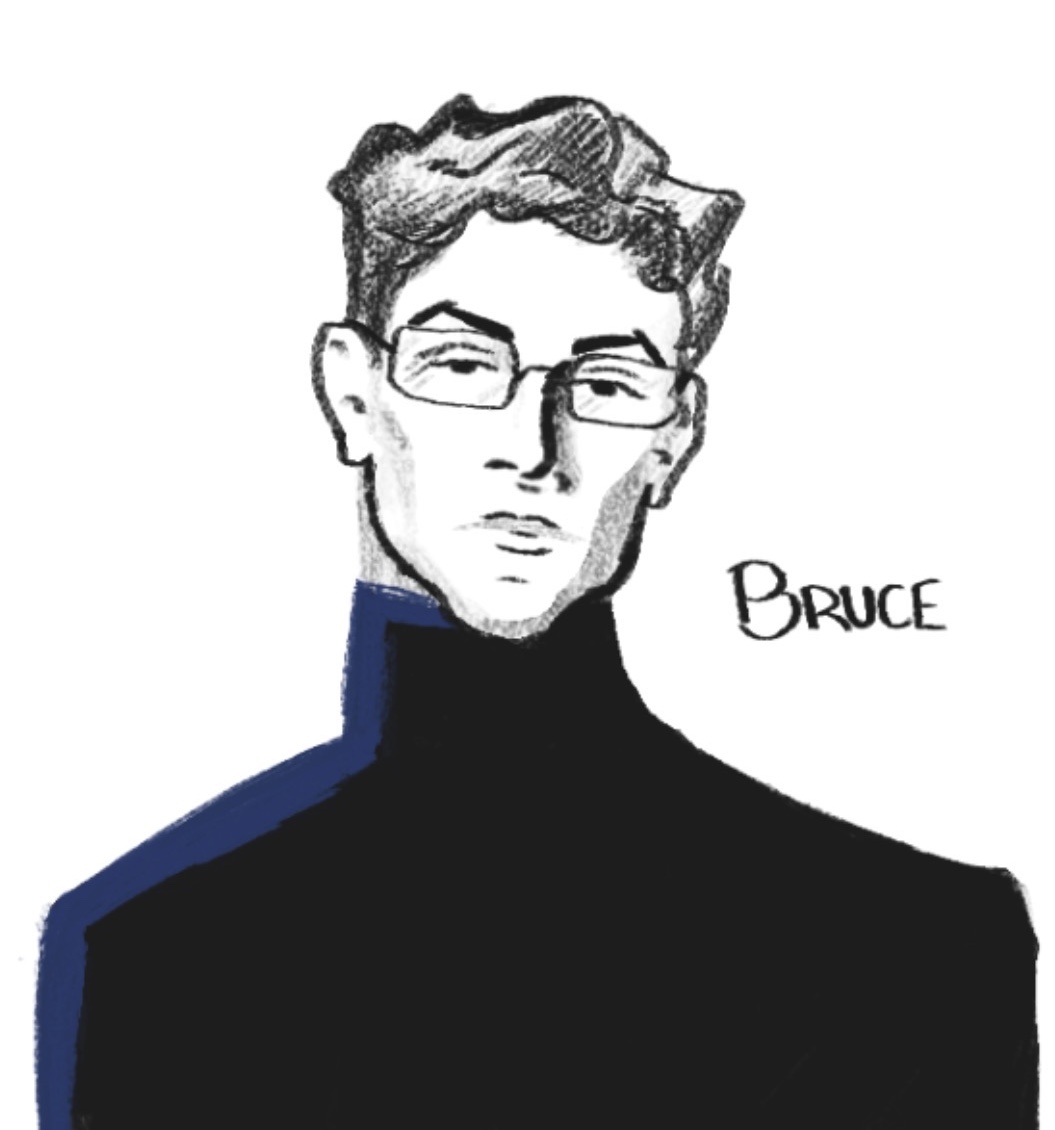
Bruce Wayne | Batman
Bruce Wayne |
|
|---|---|
|
|
Demographics |
|
| Full name | Bruce Thomas Wayne |
| Date of Birth | October 17, 1994 |
| Aliases |
Batman
Matches Malone |
| Birthplace | Gotham City |
| Location | Bristol |
| Relatives |
Thomas Wayne† father Martha Wayne† mother Alfred Pennyworth guardian Dick Grayson adoptive son Jason Todd adoptive son Cassandra Cain adoptive daughter Tim Drake adoptive son Damian Wayne-Al Ghul son Kate Kane cousin Beth Kane cousin Bette Kane cousin |
| Associations |
Wayne Enterprises(~~~~ - present) Justice League League of Assassins(~~~~ - ~~~~, ~~~~ - present) Gotham hero groups |
Characteristics |
|
| Hair color | Black |
| Eye color | Brown |
| Height | 5'10" 179cm |
This is an example of a real link. This is an example of a redlink that doesn't go anywhere. You can adjust the colors of these (and everything else in the template) by going into the CSS file and changing the color variables at the top of the file.
Table of Contents
Early Life
This code has two mobile responsiveness breakpoints: one at 1000px and one at 576px. The sidebar goes on top on small screens. On desktop, you can test this by resizing the window.
Subsection 1
The table of contents is open by default. You can make it closed by default by removing the word open from the tag.
This is a static template, so you'll have to set up the table of contents on each page manually. Add an id="headername" to each header in your code, then add a corresponding link with href="#headername" to the table of contents. IDs cannot contain spaces or begin with a number.
(NEW) The table of contents sub-ordered-lists are numbered properly now! Sorry it took me two years. If you're already using this theme, you can just redownload the style.css file to get the update. You might have to change the HTML of your table of contents, since this update requires you to nest the ol element inside the li element it's under.
Subsection 2
Most things in this code (the notice boxes, floating images, infoboxes, etc.) can be dropped into your page wherever you want with minimal issues. Just copy and paste.
Subheader 2
There are some utility classes in the CSS:
- Adding .text-center to anything centers the text
- Adding .text-big to anything makes the text big
- Adding .redlink to <a> makes it red (see above)
- See below for effect of .clear-both
Subheader 3
Make sure any <h2> elements directly under a section with a right-floating image have the class "clear-both" applied. This makes it "clear" any floating elements and appear below them, to avoid display weirdness on large screens.
(NEW) This code now contains gallery rows - see below for an example. If you're already using this theme, you can use "view page source" to grab the HTML/CSS for the gallery, and drop them into your code.